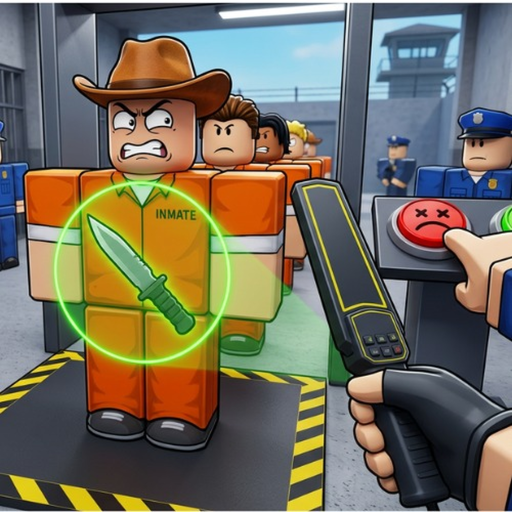
Inspection comes first
The public game description begins with searching inmates and visitors for contraband. Treat the current interface as the control authority.
Start with the visible inmate or visitor inspection flow, follow current prompts when contraband or an incident appears, and record your own cash change before making progression estimates.
This Secure the Jail beginner guide gives four first-session steps, then covers common mistakes, stuck-state fixes, and direct links to both the Cash Goal Planner and Security Response Planner. It uses current game prompts instead of invented controls or numeric rules.
Confirm the Roblox URL uses root place 98220023432103 so advice is not mixed with Secure the Prison.
Identify the inmate or visitor and follow the search prompts shown in your current session.
Use current prompts for contraband or a named incident; do not rely on a guaranteed sequence.
Note cash before and after a short segment, then use the Cash Goal Planner with your observed rate.
The public game description begins with searching inmates and visitors for contraband. Treat the current interface as the control authority.
Dangerous cell blocks, riots, escapes, and lockdowns are named incident families, but exact thresholds and response sequences are not published here.
Cash and security-equipment upgrades are confirmed. Measure your own rate because public material does not supply a fixed earning formula.
Follow the current in-game interface. This guide does not publish a fixed control map.
A missing item is not proof that it is allowed. Use the current inspection result.
Measure another short segment and update the player-entered rate.
Secure the Jail and Secure the Prison are separate Roblox experiences.
Only the game can present the current search result.
The site does not claim one; use your own observations.
Choose another beginner, inspection, or progression page.
Open the focused search checklist.
Estimate a goal from your own rate.
Choose the visible incident.